
Magic Buttons · UI Buttons
4Drivers web gallery
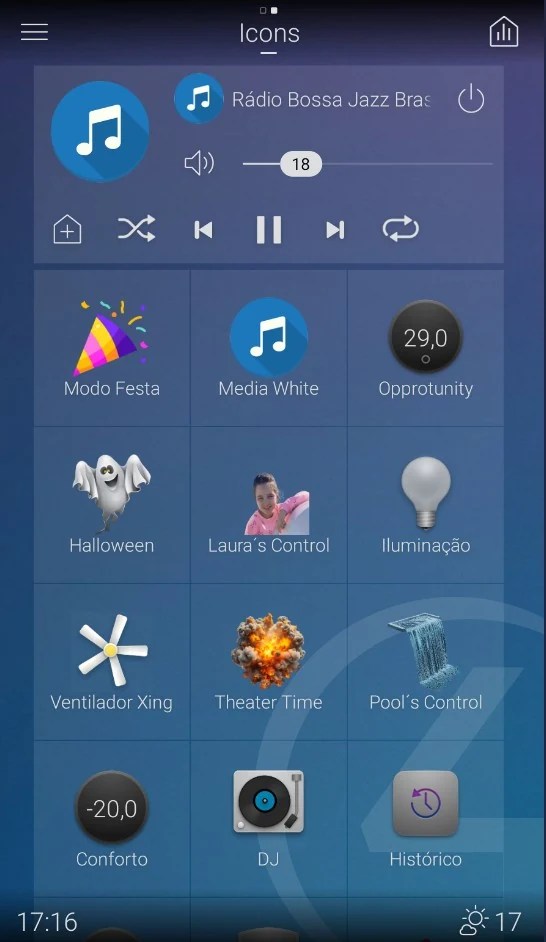
Ready-made icons published by 4Drivers, available to any project.
Control4 drivers by 4Drivers
Two drivers, one idea: give every project a button screen with the look you want, the icons you choose and the programming you need.
Eight modern screen styles, with subtitles, section titles and names you can edit right on the screen. Built-in icons, the 4Drivers web gallery or your own gallery.
See details → The classicList and Grid screens with the colors you define and icons from the 4Drivers web gallery or your dealer gallery, shared with your whole team.
See details →New
The new generation. Pick one of eight styles, choose list or grid, and the screen adapts on its own to phone, tablet and touchscreen.
Graphite, Champagne, Glass, Relief, Cards, Line, Amber and Midnight. Switch with one property.
Split buttons into titled sections and give each button a second line of text.
The homeowner changes any button name straight from the touchscreen or app.
Tap buttons and on/off buttons with a state indicator, all with events in Programming.
The classic
The original. Build button screens as lists or grids, set the background color, toggle icons and arrangement — from traditional to colorful.
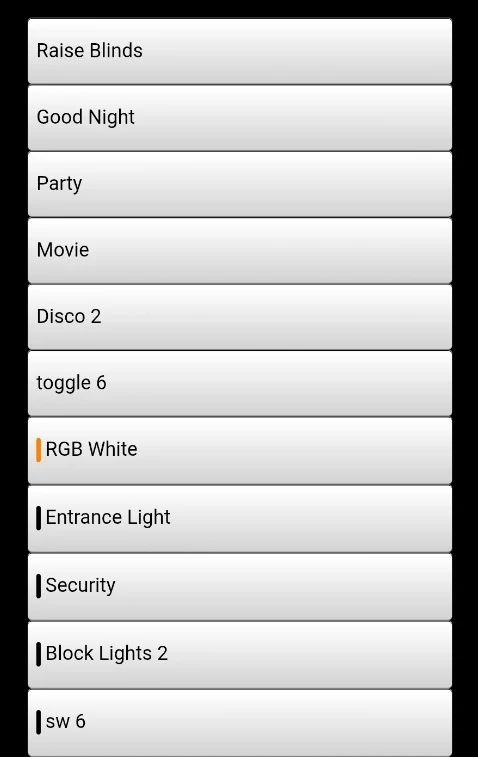
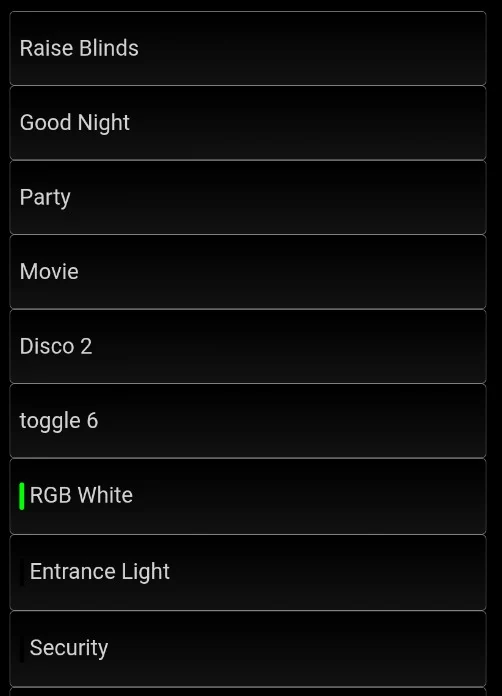
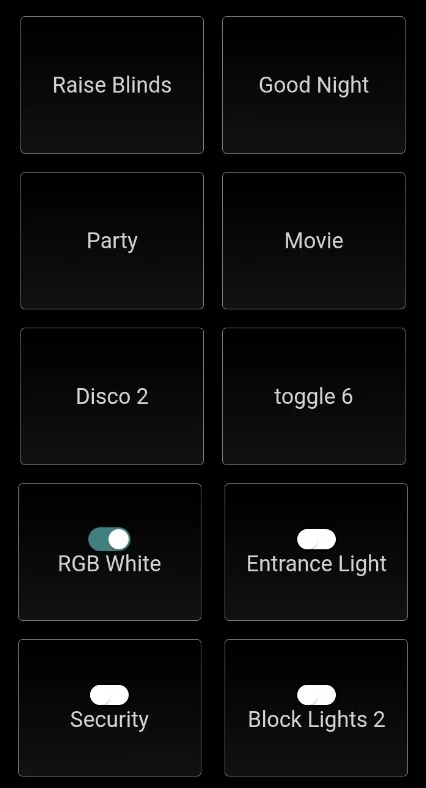
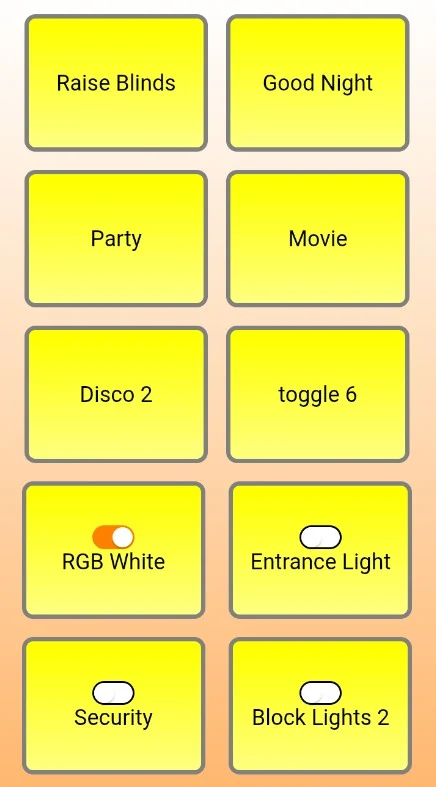
Create button color presets and reuse them in any project.
Every integrator in the dealership uses the same icons and presets.
Manage users, icons and button presets from the web.
Icons
Magic Buttons and UI Buttons both use icons from the 4Drivers web gallery and from your own dealer gallery. UI Buttons also ships with a built-in set.
Ready-made icons published by 4Drivers, available to any project.
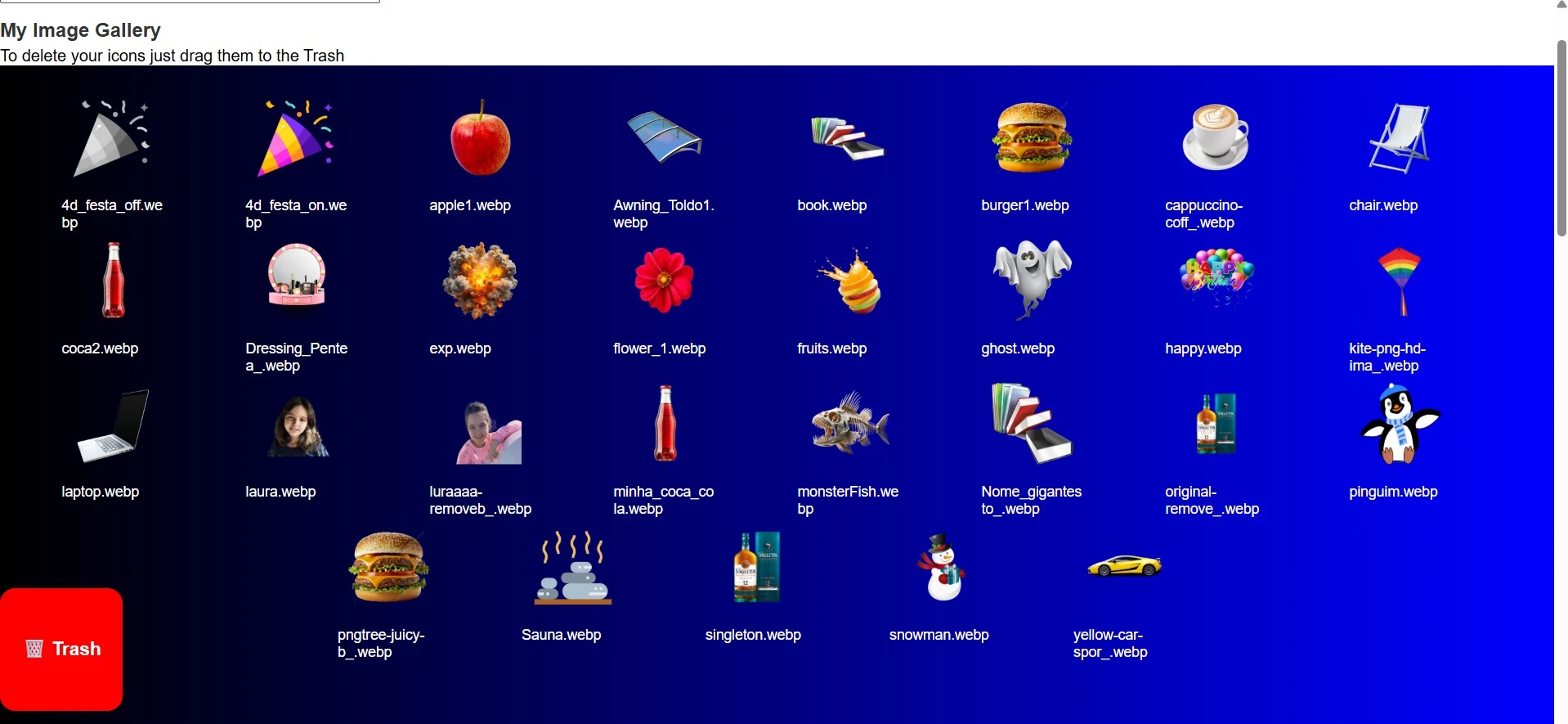
Upload your icons through the dealer account and use the same library across all clients.
More than 50 icons that ship with the driver and follow the color of each style.
Both create tap and on/off buttons with events for Programming, and both use the icon galleries. They differ in look.
| Magic Buttons | UI Buttons | |
|---|---|---|
| Screen look | List or Grid, with the colors you define | 8 ready-made styles, in List or Grid |
| 4Drivers web gallery icons | Yes | Yes |
| Icons from your own dealer gallery | Yes | Yes |
| Icons built into the driver | — | More than 50 |
| Tap and on/off buttons with events | Yes | Yes |
| Best for | Controlling every color and keeping the traditional look | A modern look ready in minutes |
Install it in the project and place it in the rooms that need a button screen.
Set the style, list or grid, and the name and icon of each button.
Tie each button to the actions you want in Programming.
Learn how to use and configure everything step by step.
An introduction to using the 4Drivers Icons system.